A browser extension that saves LinkedIn candidate profiles
straight into your TalentGleam pipeline or talent pool. One click, no
copy-paste. Works in Chrome, Edge, Brave, and other Chromium
browsers.
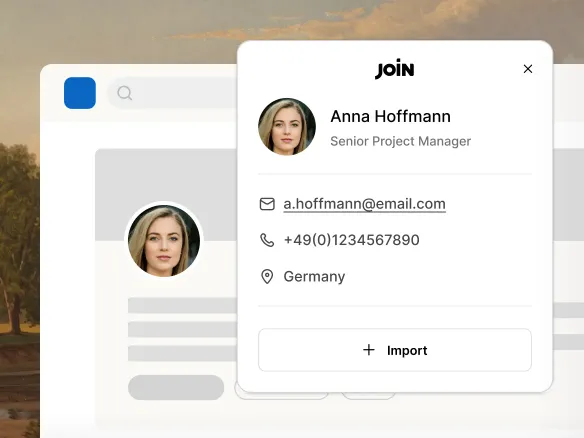
Browse LinkedIn as usual. Click the TalentGleam icon on any profile and
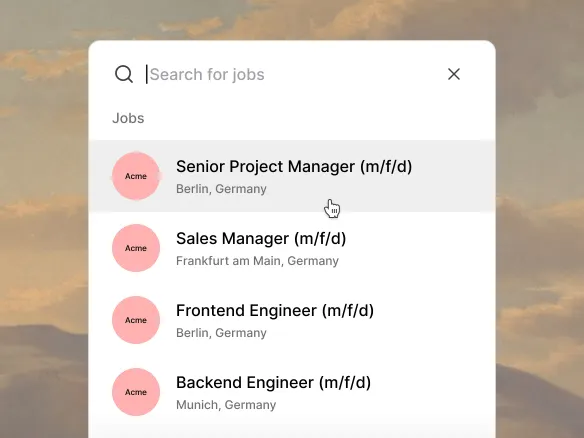
the candidate lands where you want it: pick a specific role's
pipeline, or save to the talent pool for later. Name, title,
location, work history, and public contact details captured
automatically from the profile.
Browse LinkedIn as usual, then click the TalentGleam icon to
save
Name, title, location, and work history captured
automatically
Route straight to a role's pipeline or to the talent
pool
02
Build your own talent network, not theirs.
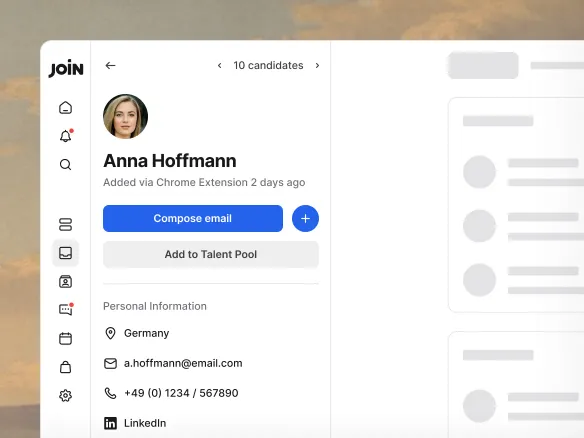
Every saved profile lives in your private talent pool, not on a
third-party platform. Tag, note, and re-engage candidates for
future roles. No re-sourcing from scratch when the next opening
lands.
Saved profiles live in your private talent pool
Tag, note, and re-engage candidates for future roles
No re-sourcing from scratch when the next opening lands